
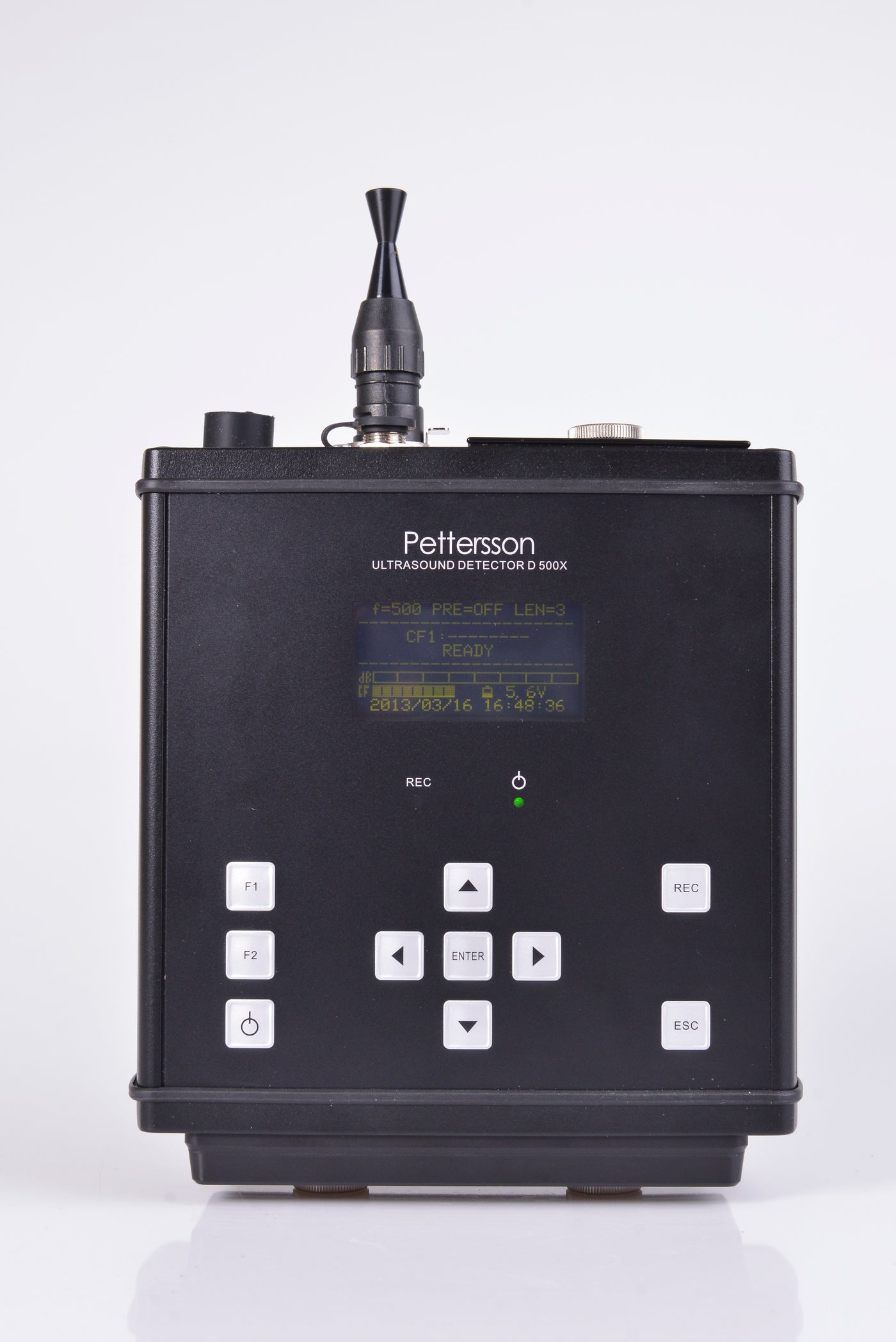
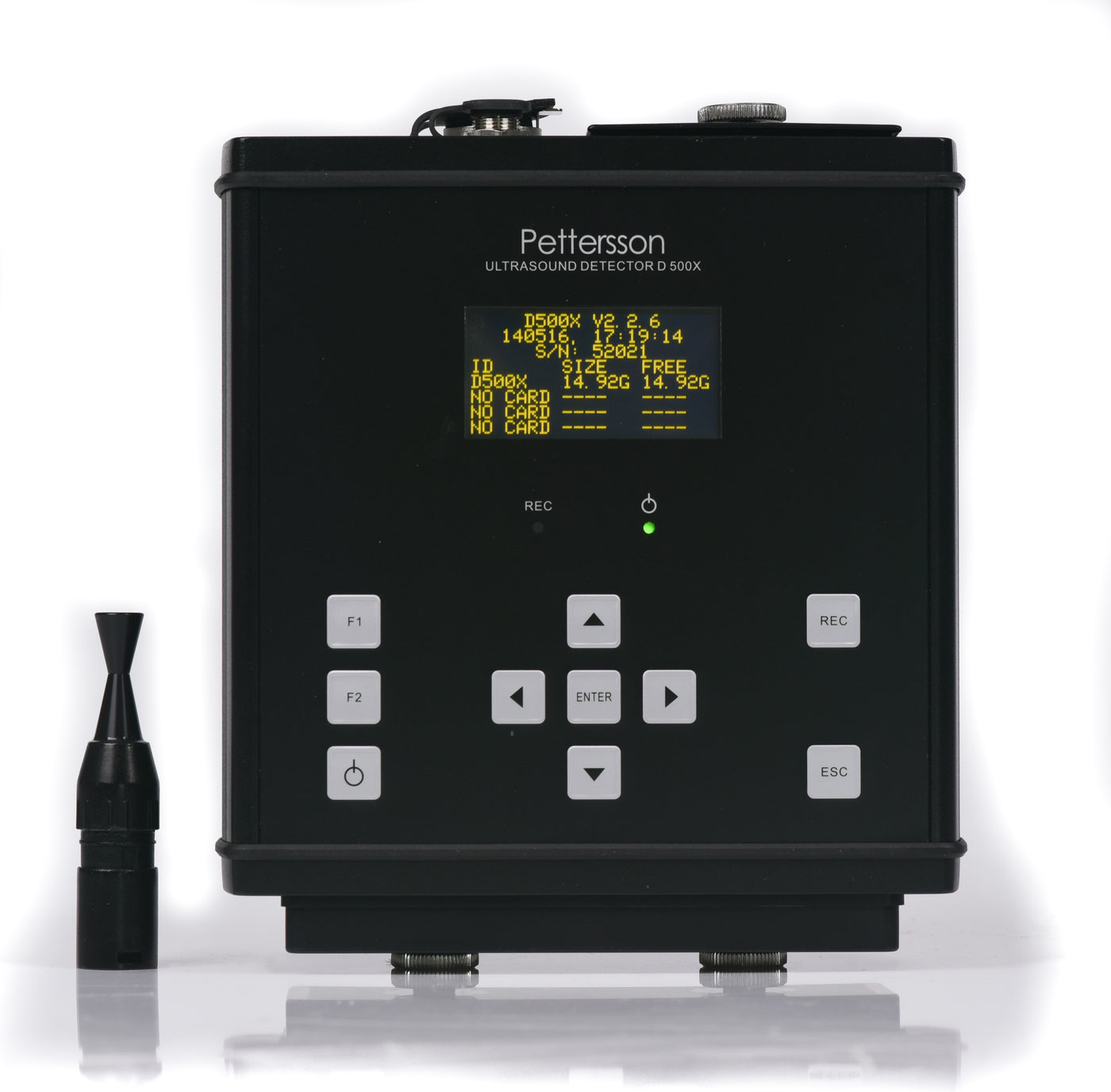
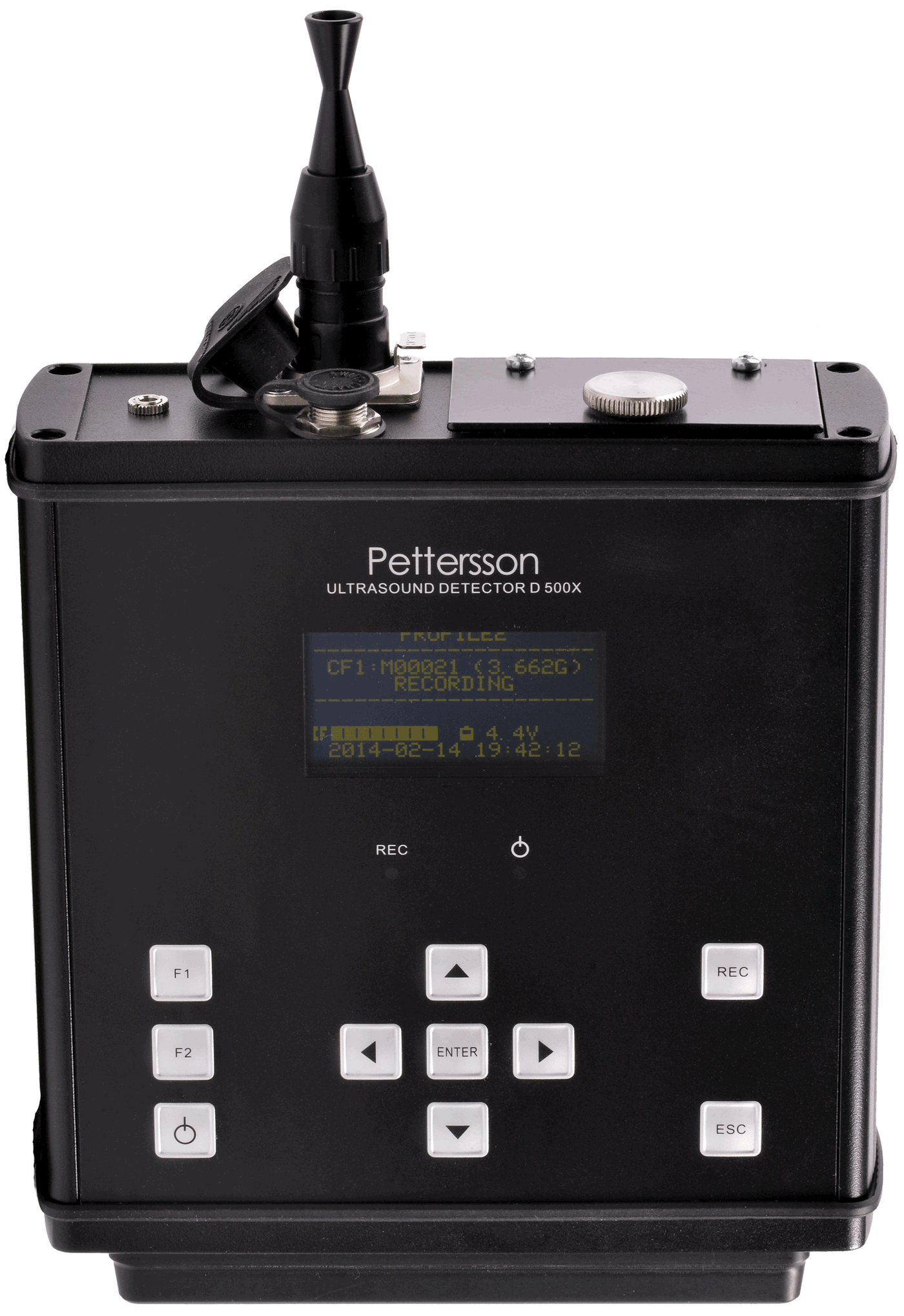
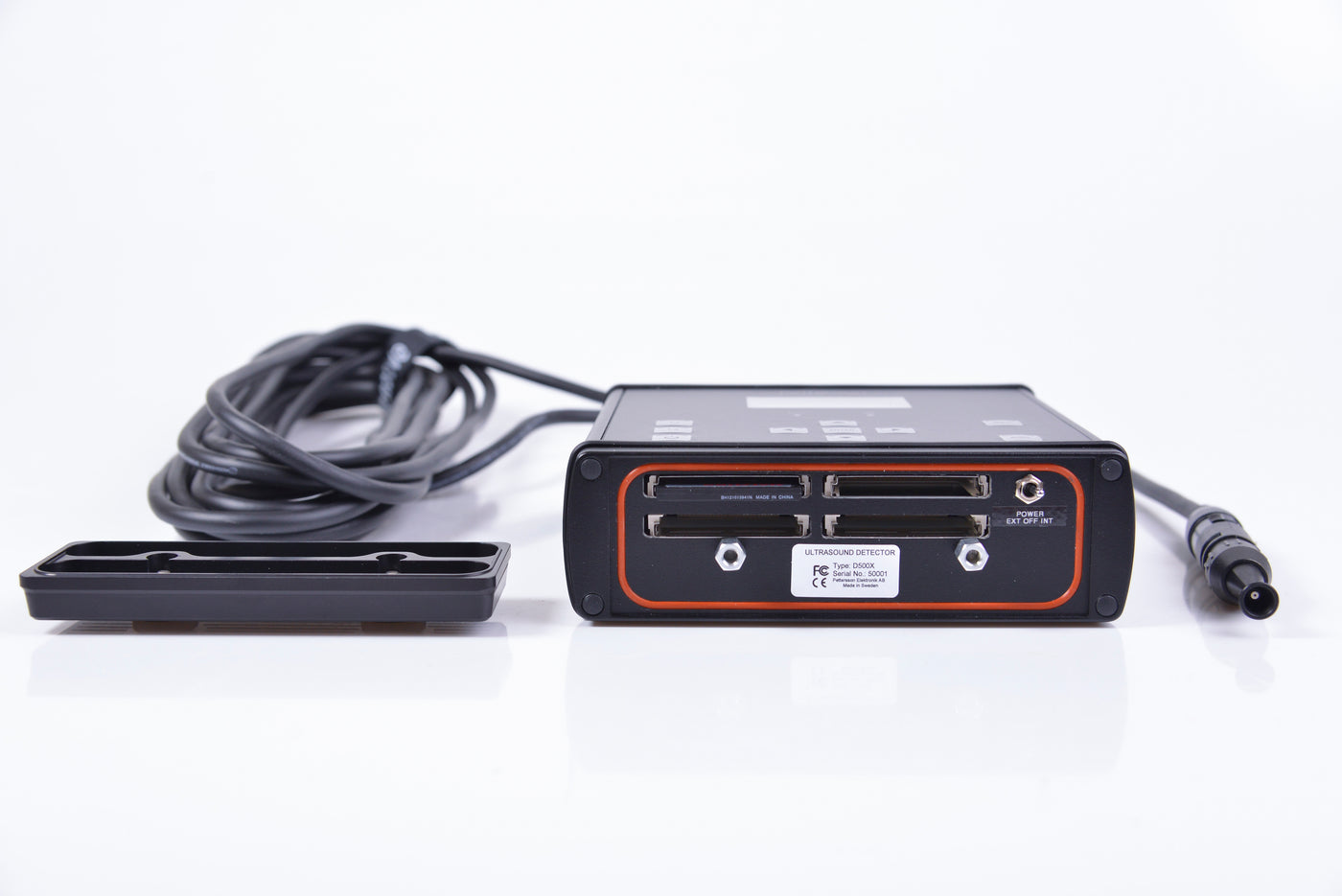
Pettersson D500x
"In Stock" items may ship same day to up to 3 business days after placing your order.
"Out of Stock" items may still be purchased, but realize these items may be built-to-order or we may be at the mercy of our vendors for parts of your order or product. Shipping for out of stock items may be days or weeks after placing your order. Some speciaity items may have estimated availability mentioned in their product description above.
All international orders must be paid in full via credit card or international money order before shipping. We currently accept American Express, Visa, MasterCard and bank/wire transfers.
For international orders, any duties, tariffs or broker fees are not included in the order amount and will be collected by the shipper upon delivery. Any such fees are the responsibility of the customer.
Please ensure the shipping address you provide can accept UPS deliveries. BCM is not responsible for any fees or delays incurred from an incorrect shipping address.
In Spanish: Todos los pedidos internacionales deben pagarse en su totalidad mediante tarjeta de crédito o giro postal internacional antes de su envío. aceptamos American Express, Visa y Mastercard. No somos capaces de aceptar banco.
Para los pedidos internacionales, los impuestos, aranceles u honorarios de agente no están incluidos en el orden cantidad y serán recogidos por el cargador a la entrega. estas matrículas son responsabilidad del cliente.
Por favor garantizar la dirección del envío que usted proporcione puede aceptar envíos ups. bcm no se hace responsable por el pago de honorarios o retrasos de una incorrecta dirección de envío.
What states does sales tax apply?
If you live in PA, you will be charged sales tax according to your state’s sales tax rules. Tax Exempt Businesses/Organizations in PA only: contact us to place your order (717-241-2228). Please have your tax exempt number.
What can I return?
You may return new, unopened items sold within 30 days of delivery for a full refund. Shirts, hats, and mugs are made to order and are not returnable.
When will I get my refund?
Most refunds are fully refunded in 3-5 business days after we receive and process your return.
Does BCM do replacements?
We can only replace the exact item and version you ordered, and you are responsible to return the damaged item within 30 days. If you want to exchange for a different item, you will need to return the item and place a new order.
Pettersson D500x and M500 Bat Detectors Return and Exchange Policy
All detectors are tested by BCM staff before shipping to customers. Please contact BCM first detailing the issue you are having with the hardware and obtain a Return Authorization. Should email or phone troubleshooting fail to resolve the issue, you should send the unit in suitable packaging to BCM, with the RA number written on the packaging.
BCM will confirm the unit is defective was not abused or water damaged. BCM will replace the unit at our discretion usually within one week. Units requiring repairs may take 6-8 weeks.
Pettersson factory warranty is one year.
D500x External Microphone Return Policy
All microphones are tested by BCM staff before shipping to customers. Please contact BCM first detailing the issue you are having with the Microphone and obtain a Return Authorization. Should email or phone troubleshooting fail to resolve the issue, you should send the unit in suitable packaging to BCM, with the RA number written on the packaging.
DOA microphones are replaced immediately at no charge. There is a $150 for refurbishing used microphones, shipped immediately if in stock.
Electronics
Electronics purchased from BCM are easily returned within 30 days of receipt of shipment. These items must be in new condition with original packaging and accessories. All bat detectors sold by BCM are supported by the device's manufacturers. In the unlikely event a detector appears to be defective, please contact the customer support network for the computer manufacturer to have it serviced under warranty. Pettersson D500x/M500 devices have specific policies, see above.
Software
Software titles purchased from BCM are easily returned within 30 days of receipt of shipment. These items must be unopened and still in their plastic wrap.
General items
Other items purchased from BCM can only be returned if:
- The return is packaged and shipped in the original packaging.
- The items are still in new condition.
- You ship your return within 30 days of receipt of the original shipment.
Any returns that do not meet the above qualifications may receive a reduced refund or be returned to the purchaser. Some items may incur a restocking fee as these items must be inspected, tested, and repackaged. If a restocking fee applies it will be noted on the product information page. All returns will be less original shipping costs.
QUESTIONS & ANSWERS
Ask BCM a Question-
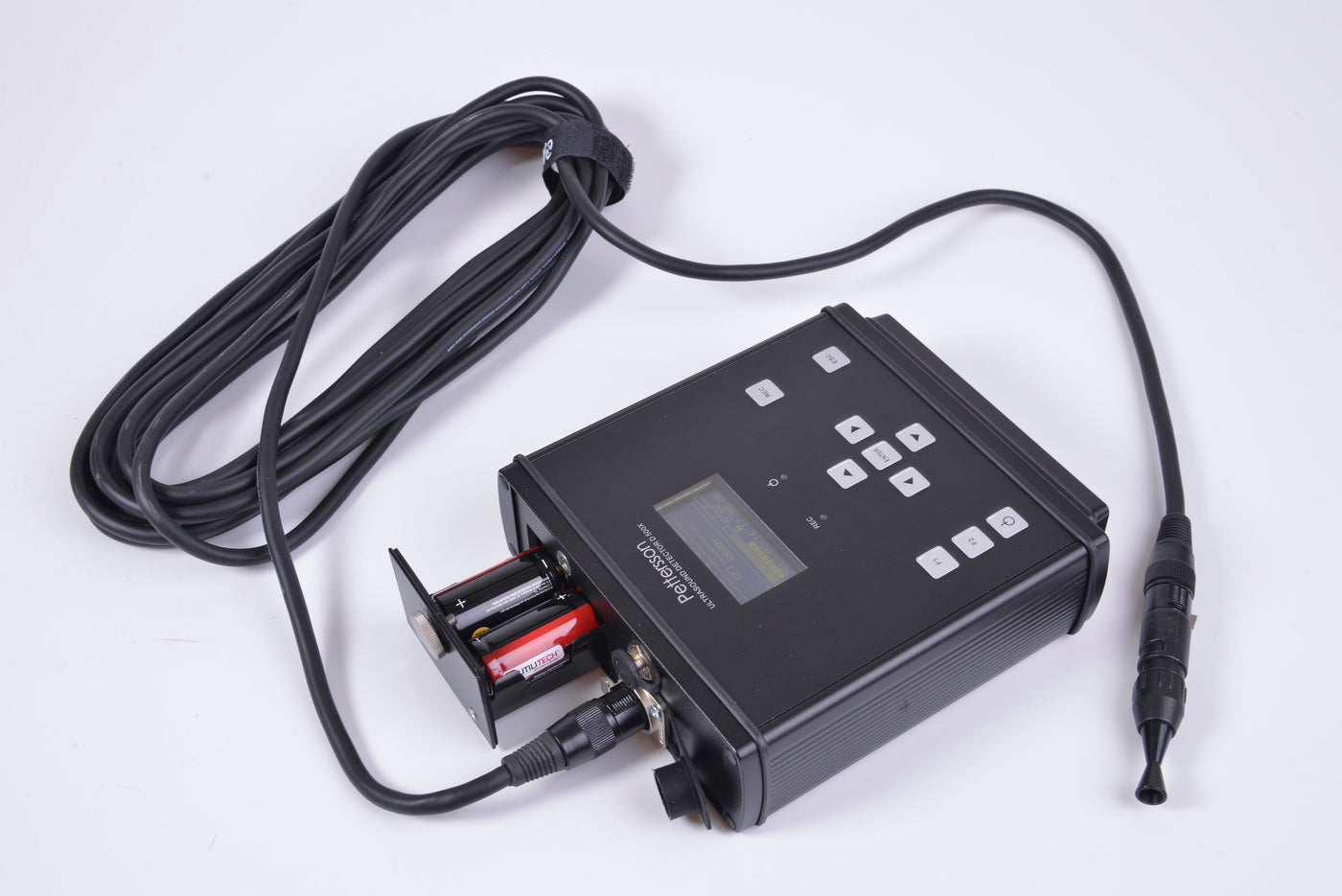
I have an older Pettersson D500x, serial #0248, the type with the 4 AA batteries, 2 per slot. I took it out for the first time this year, added batteries and it won\'t turn on. Nothing.
Try the following: 1) more batteries, known to work elsewhere (silly I know, just running down the list) and check polarity… I vaguely remember they all go in the same direction? I could be wrong. 2) external power supply if you have a cable for it? 3) do the LEDs flicker on powerup? 4) take it into a dark room and power up… any LEDs? But more importantly, squint at the LCD screen; it is possible it is bad and is very faint and can’t be seen in regular lighting conditions. (The LEDS should flicker on powerup though) If you can still see the screen enough to program it, it will work otherwise fine for now until you have time to get it serviced. 5) look at terminals inside battery compartment for corrosion…did a battery leak? (always remove after field season) After all that, if it is “dead”, the best course would be ship it to Lars using instructions here: https://batsound.com/service/ While it is being serviced they will replace the internal clock battery and upgrade the firmware.
-
One detector came back with none of the cards reading. They were all formatted in the detector and the same settings were used as on all the other detectors. We use only the SanDisk cards, 8 or 16GB, and always put the larger cards first in the order. The detector had 4 cards in it. When I tried to download the cards, none would read and the computer indicated I would need to format them. The detector still turns on only briefly and says “*EXCEPTION* CF2 NOT READY” and then it says “SHUT DOWN” and counts down, then turns off. I rearranged the good cards and it still gives the same message and shuts down every time.
First, if you still have the cards that would not read, try a data rescue app. On the Mac, one called Data Rescue loaded a CF card that was “unreadable” and recovered the data. Since the D500 embeds the timestamp I have recovered a few cards this way. Second, be sure you are using the correct firmware for the version of D500x you have (there are two versions depending on the generation of D500 you have unfortunately) and be sure to have the latest one from the firmware section of www.batsound.com website. Just make sure it’s matched with your detector serial number (see website for instructions) as having the wrong version will cause erratic behavior. The CF2 NOT READY might mean it wasn’t shut down properly (or crashed) and is expecting the same number of CF cards installed as the last time it was used. So, put in 2, 3, and 4 cards and maybe one of those configurations will let it start up normal (it will drop into record mode). Also look carefully in the slots… make sure none of the pins inside the D500 are bent or missing. This would definitely cause a problem.
-
Can I use SD cards instead of CF cards in the Pettersson D500x?
Yes. For a CF-to-SD adapter: https://www.amazon.com/gp/product/B00XO2KSEO/ref=ppx_yo_dt_b_asin_title_o00_s02?ie=UTF8&psc=1 This one has not failed for us with ~500 nights of use across 15 detectors.
Note: I am not sure if the D500x can use a 64GB SD card…. it may only use 32GB…. or it may not work at all. This has to do with the FAT32 file system not recognizing more than 32 GB. However, 32 GB SD cards are only $8. https://www.amazon.com/gp/product/B07YFG7T8F/ref=ppx_yo_dt_b_asin_title_o00_s01?ie=UTF8&psc=1 Note: my D500 does not seem to recognize a firmware upgrade using this adapter…. so you still need to use a normal CF card for firmware changes. Other than that I haven’t come across an issue using this adapter with 32 GB SD cards. -
How long does the D500x last on batteries?
Do not use rechargeable batteries. They are only 1.2v each starting out…. so you only have 4.8v at best. Then with a little age, a bad cell, and/or cold weather they drop like a rock.
If you are only doing a 2 night survey, the internal batteries are perfectly fine…. rayovac alkaline AA should go 3-5? nights… C should go a week. For 2 nights, stick with alkaline internal batteries and throw them out if they read 4.8/4.9 or under. If they read 4.6v, they tend NOT to survive 2 nights D cells might go 10-20 days: https://batmanagement.com/collections/batteries-power/products/pettersson-d500x-extended-battery-pack-1 note this uses 6 - D cells …so you can use rechargeable D. The D500 is happy with 9 v BTW, so you can pop alkaline in it too.
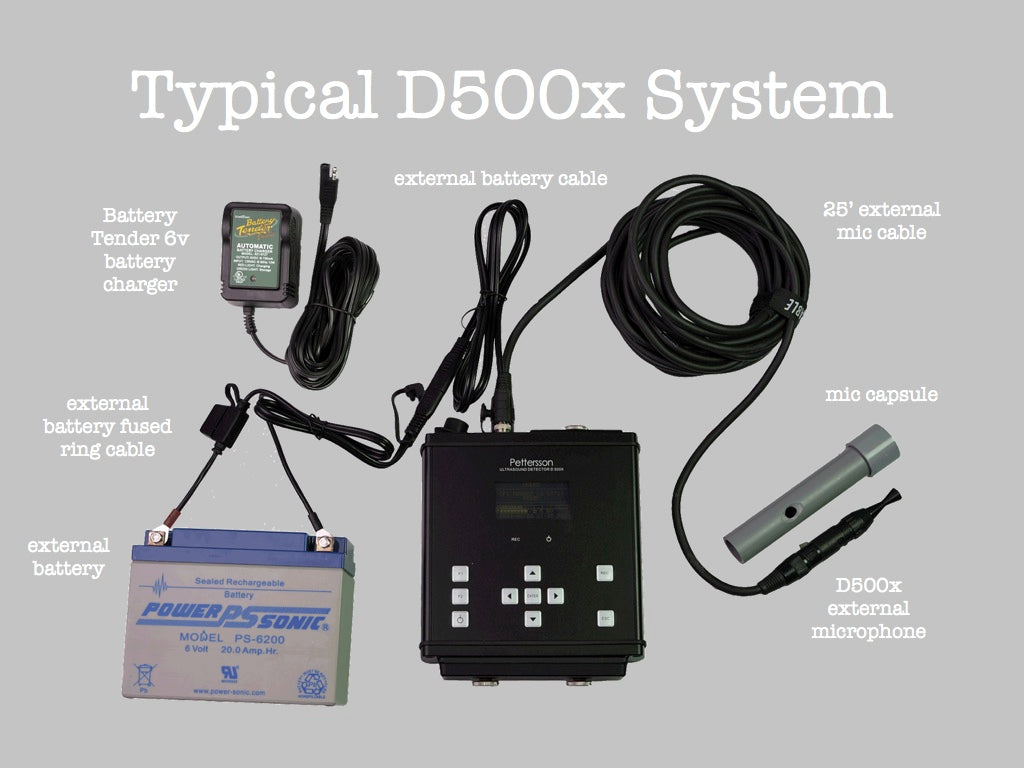
Additionally, there are certain lithium-ion battery packs that can be used. The caveats are that it needs to output 5 to 9v, and it must stay on regardless if any load is being drawn. Our D500x-to-DC power cable will connect your D500x to these battery packs. Use a rubber band to ensure the cable stays on the battery. -
What are some recommended bat detector settings?
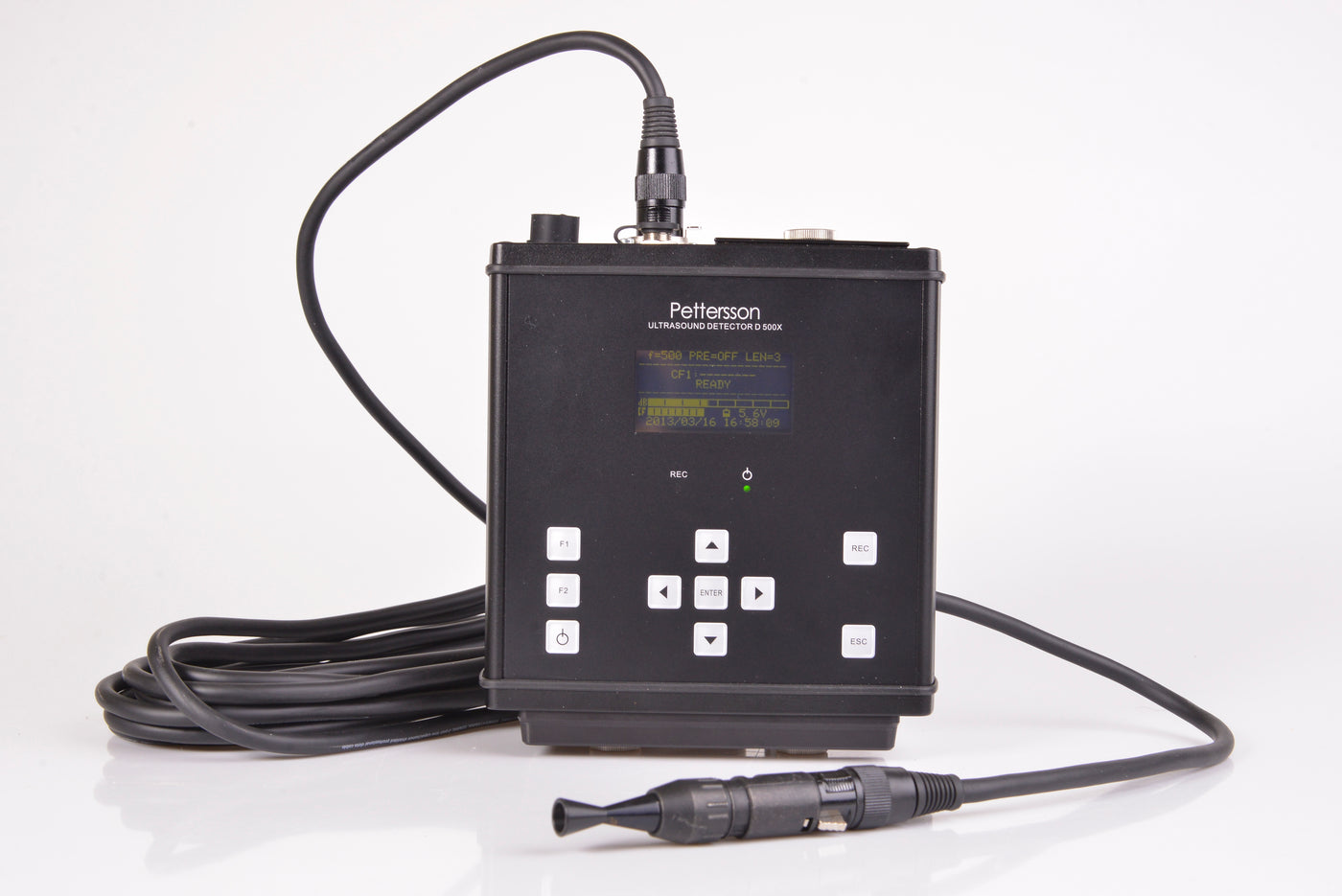
Settings for any detector need to be tweaked based on the microsite. For the Pettersson D500x, if you want more of the strong calls that can be classified, and less of the trash that generally not identifiable the key settings to pay special attention to are the trigger sensitivity (set it to very low for the fewest noise/out of range bat passes), the trigger level (160) and gain (45). The recording length should be 4 seconds to reduce the possibility of 2 bats in a single recording, which causes classifiers to skip over sometimes without rendering any decision. Locations with high activity consider bumping the trigger level up to 200 further weeding out low amplitude calls. If whispering bats are your target, consider bumping the gain up to 80.
Even at a "very low" trigger level, you may have an unacceptable number of noise (insect) files in your area. There is a way to edit these setting further that we are experimenting with in Florida... contact jchenger@batmanagement.com if you need those instructions. For most of the country, LOW and VERY LOW trigger sensitivity works well. -
How do I update the firmware on a Pettersson D500x?
First, be sure to have the D500x Utility program available here: https://batsound.com/downloads/ (Windows). Select a memory card in the app you will use as a firmware card. A tiny size card is fine, you may want to label it and keep in your master spare parts kit. Select the "transfer firmware" button in this app, then select the newest firmware that is a seperate download from https://batsound.com/firmware/ The app will confirm firmware transfer. Place this card in slot 1 of the D500x and power up, follow prompts to update the firmware. Keep this card in your kit or reformat in Windows to use as a normal memory card again.
Please check for updates before a new project, and if the D500x is behaving erratically, please be sure you are using the newest firmware. -
What is the recommended way to weatherproof a D500x microphone?
The external mic is essentially weatherproof so long as you do not point it up so that it can collect water. So pointing horizontally should be fine. The only problem with vertical would be that you can't record through the water- there is less concern that the water would hurt anything. The directional horn can be removed and would allow water to not collect in the vertical position.
The connection to the cable should have some protection from soaking rain, but I think a minimalist configuration as shown in the attached will serve to protect and clear the airspace around the microphone. I made this one from 1/16" x 1" aluminum angle. I bent the angle at about a third the length to give me the option of mounting with a shorter or longer horizontal reach. You can get releasable cable ties to attach the mic to the angle. Please see the bottom of this article for photos and further explaination.
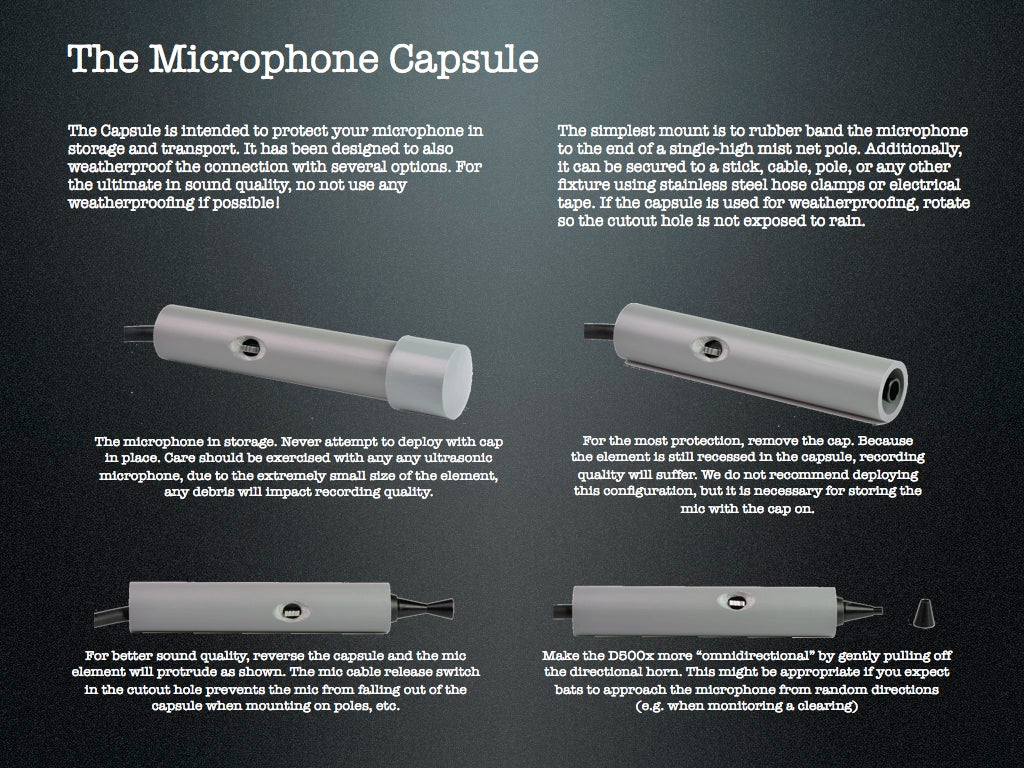
And BCM has been shipping mic protector tubes for some time now. These cleverly slip over a D500x mic and have a cap to minimize dust during storage, then the tube is reversed for actual deployment. See this illustration for proper use. -
What type of CF cards should I use? And what size should I use?
The manufacturer currently recommends Sandisk Ultra/Ultra II CF cards, or Sandisk Extreme/Extreme III CF cards. These are the ones with the gold labels rather than silver. Sizes up to 32GB have been successfully tested.
We've tested CF card sizes up to 32GB. However, the Pettersson D500x has a total of (4) storage slots, allowing a total of 128GB of combined storage. Things like expected nightly bat activity, insect noise, recording length, and length of time between detector service checks are just a few of the main things to consider when it comes to making sure you have enough storage. As a general rule, try to stick with a single 16GB card for deployments lasting a few nights or a 32GB card for a week. You’ll have more flexibility in terms of when you’ll need to offload your data, and are usually large enough to accommodate a few busy nights of bat activity. One large card is better than 4 tiny cards; one large card will be faster to post-process. -
What is the furthest distance the microphone will pick up a bat call?
This is highly variable and no manufacturer will be able to give you an exact answer. If it is a loud calling bat, directly at the microphone, you might detect it several hundred feet or more away. If it is a whispering bat, such as a Northern long ear, you might only detect it ~20’ from the microphone. “Detection” is much different than “recognizing”. To “recognize” a particular species you will need to be something closer to faithfully record the characteristics necessary to confidently identify something to species. If the animal is behind the microphone, again you will need to be something closer. Obstructions such as leaves & limbs and air contribute distortion, so long distance typically introduces more distortion. Most of these factors are best compensated by deployment times… longer deployments over 1-2 weeks has been shown to most effectively record most species in a given area. This is simply because the longer time allows bats to more likely encounter the microphone and make a number of good recordings.
-
I am operating several D500s with firmware version 2.3.8 (corresponding with their serial numbers
For instructions on how to load the latest firmware please see: https://batsound.com/firmware/
-
Hello! My organization has a Pettersson D500X recorder, but we have lost the card or CD that has the "D500x Utility Software" that is needed to extract the acoustic data from the CF cards (rather, the person who probably knew where it was and had the software downloaded to her account has left the organization, and we cannot get in touch with her). Do you have any ideas on how I would go about acquiring just the D500x Utility Software, or how to get in touch with Pettersson? Thanks!
Please be sure the firmware is updated to the latest version before starting any project. See: the Pettersson download page here: https://batsound.com/downloads/
The D500x firmware is on their firmware page: https://batsound.com/firmware/ -
I am having an issue with the D500X Recorder. The recorder seems to display a formatting error when using CF cards that are larger than 32 GB. Can you tell me why this error is happening and how to fix it? Or, is it that this machine is only capable of handling 32 GB or smaller CF cards? Also, where can in find information about firmware updates for these recorders? Thanks.
Hi - due to the FAT32 file format, CF cards are limited to 32 GB. Before any deployment please check that you have the latest firmware from the Pettersson website: https://batsound.com/firmware/
-
Hi. Checking to see if you have 3 d500x in stock and approximately how long it would take to receive them? Much thanks!
Hello Michelle- If you can order them online at our shop, they are in stock. If not we will have more in 10 days typically. Please call Jenni at 717-241-2228 if you need a few and we will expedite.
-
(1) What is the mass of the Standard Edition D500X. with c-cell batteries, microphone, microphone protector, 25 foot extended cable, and pouch? (2) In comparison, what is the mass and outside dimensions of the complete Grab N Go setup with Standard Edition D500X recorder? Does that include a long-range external battery? And if so what is the mass of the long range external battery? (3) We will be transporting detector setups up to 12 miles into Olympic National Park backcountry. Do you have experience to recommend a lighter weight option for weatherizing the D500X in the event we choose to forego the weather-resistant case.? Thanks so much.
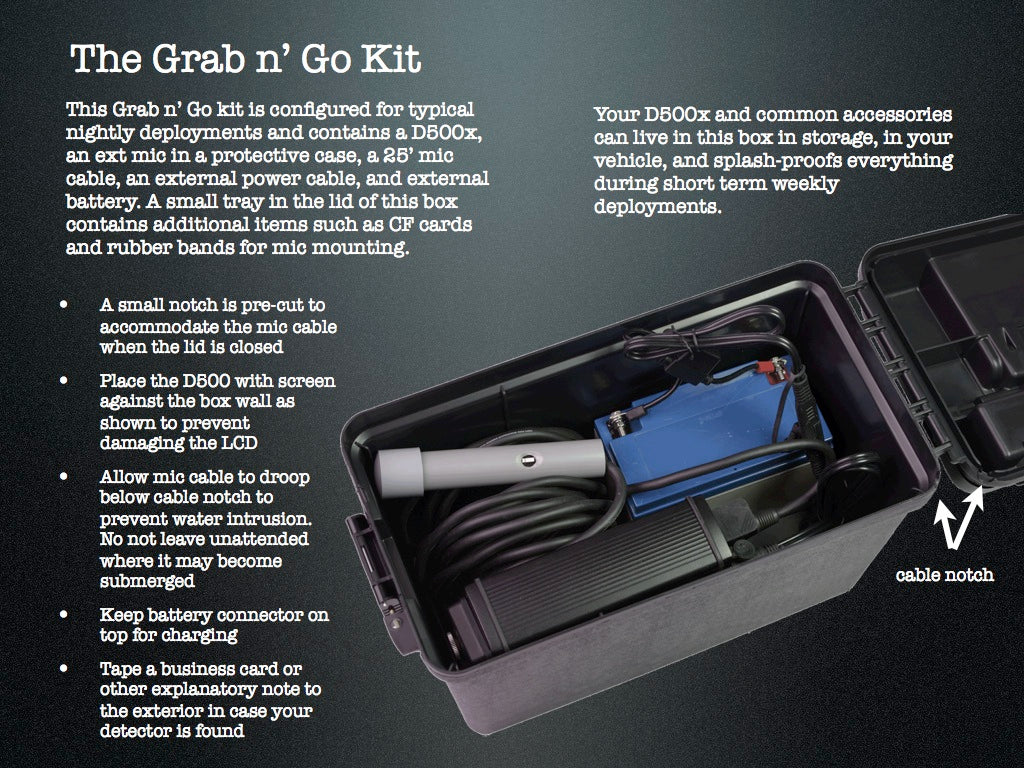
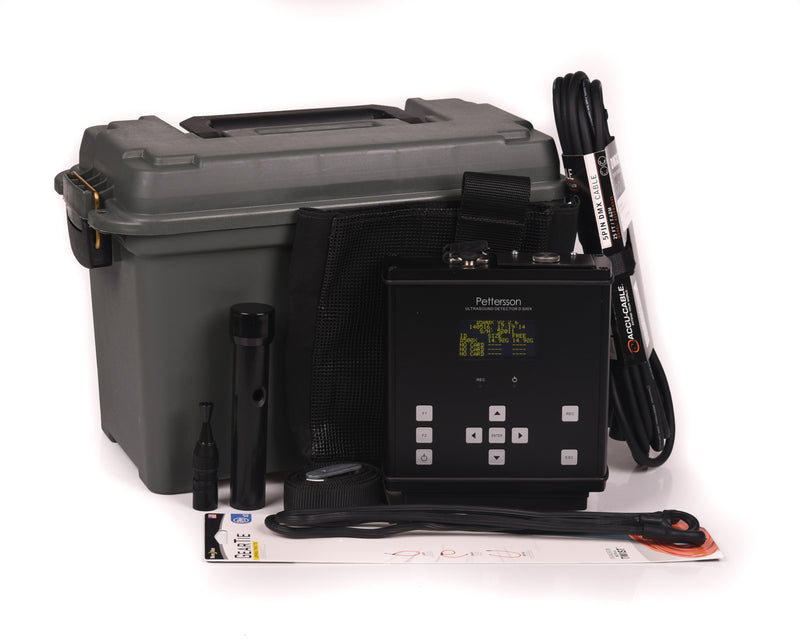
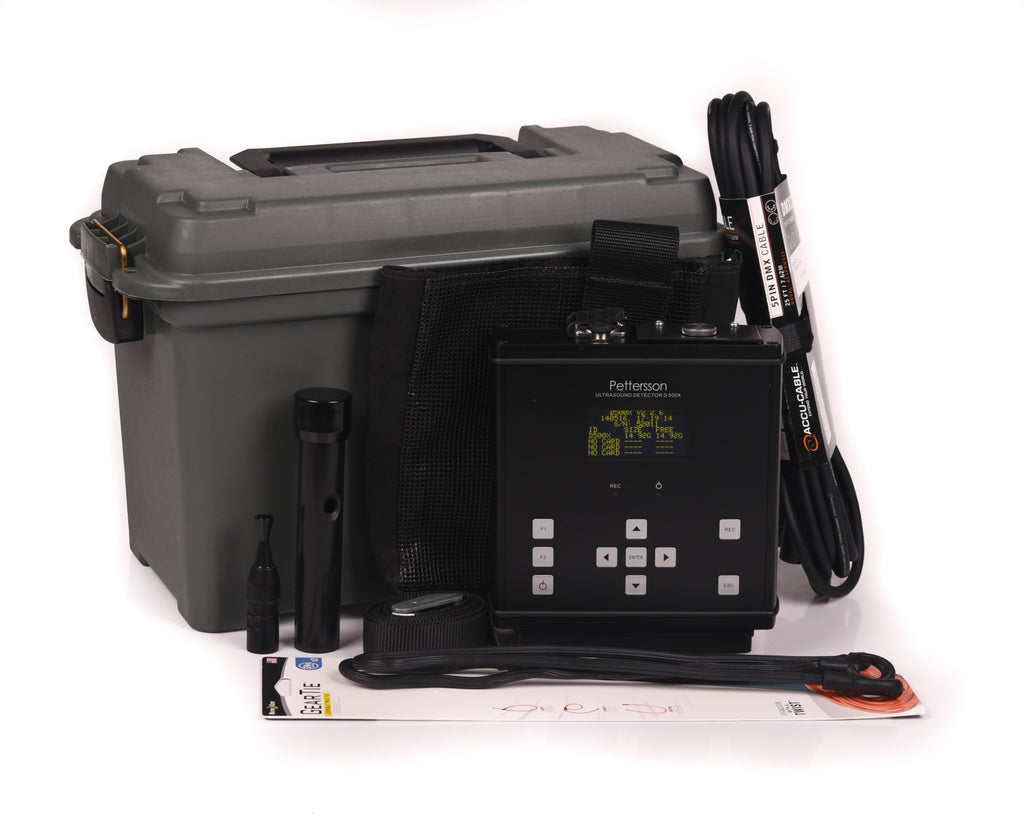
Hello- the Grab N Go D500x in the plastic transport/storage/deployment box is about 8 lbs measuring 7x13x9 inches, without an external battery.
By itself the D500x/25' cable/microphone/internal batteries is about 6.5 lbs.
A 6v, 20 ah SLA battery weighs 8 lbs. and measures 6.18"L x 3.27"W x 4.92"H. This battery can fit inside the Grab N Go case. Depending on bat and ambient noise activity, this battery has powered D500x for over a month and still had charge; however your milage will vary and we do not recommend such a long service interval of -any- bat detector system.
To reduce pack size and maintain weatherproofing, you can set the D500x running in a dry bag, then roll up the bag normally with the microphone cable protruding. Shield this from direct sun as overheating will cause any detector to shut down, as there is no venting with the dry bag. -
How do I make my own power cable for the Pettersson D500x?
The D500x runs on 6v or 9v DC. See this article https://batmanagement.com/pages/d500x-solar-solution at the bottom there is a link to instructions on how to make a D500x power cable including the Switchcraft part that is a the perfect male end if you need to make your own. It is known as a Switchcraft 761KS12 connector 2.5mm x 5.5mm DC plug This is the bare plug: https://www.amazon.com/SWITCHCRAFT-761KS12-CONNECTOR-SEALED-POWER/dp/B005T8HQZ0 Or, search for Switchcraft 761KS12 - you might find a vendor with a finished cable attached to it. From that, you can adapt to any 6 or 9v battery pack you like (9V recommended in cold situations), or even an AC adapter to plug into a wall socket.
-
Hi, our external 6 volt rechargeable batteries are 10 years old and we really need new ones. I tried to replace them at one battery supply place and they seemed confused. I don't waht features of a 6v battery I need in place for the Pettersson D500x to run on. The batteries I have now are "6V 20AH sealed maintenance free recharegeable battery-non-spillable-AGM." Can I use lithium ion batteries? I found this in your QA, but don't know how to find the right kind of lithium ion 6v battery, so any help would be great! (From your QA)"Additionally, there are certain lithium-ion battery packs that can be used. The caveats are that it needs to output 5 to 9v, and it must stay on regardless if any load is being drawn. Our D500x-to-DC power cable will connect your D500x to these battery packs. Use a rubber band to ensure the cable stays on the battery." Thanks!
Certain Talentcell battery packs meet these specs, the batteries can be purchased from Amazon, as well as others. Due to the changing specs and availailability of battery packs, we don't supply complete kits and power supplies are created by users to meet their own situation needs. -JC
-
How is the Zone determined for input
Under the F1 menu>Time Settings enter the long/lat of your approximate survey location in D/M/S format. Set to the location's time zone, and if daylight savings time is active or not. When using a Relative Timer, the D500 displays when sunrise/sunset is predicted. If this is within a few minutes of the actual sunrise/sunset time (it is usally off a few and is normal due to the precision of the coordinates and sunset calculation), then the time is set correctly. If it is ~one hour off, either the time zone or DST setting is wrong. If it is still an hour off, try scrolling thru the available DST setting one direction using an arrow key, then setting on USA. If that does not fix it, repeat but scroll the opposite sirection in the menu. There may be a bug in the DST setting with two slightly different profiles... there may just be that extra step to land on the right profile; once set once you don't have to worry about it again. You can also just turn off DST and adjust your time zone 1 hour to make the D500 timers match the real sunset/sunrise at your site.
-
Hello, Does the grab n go kit box have the capability to be locked with a master lock and cable? Thank you
Yes but these would be easily defeated by anyone wanting to remove the unit. The small locks deter honest people from pressing buttons and keep the detector from being dragged off by animals. The case is plastic. If theft is a concern, consider placing the unit 10' or higher in a tree so that a ladder must be used to service the detector. You can obtain metal locking ammo boxes, but the tiny padlocks used with those are also easily defeated.
Related Products
Pettersson M500 Microphone
Pettersson M500 Microphone
$449.00
Lightweight Full-spectrum Power Download BatSound Touch Lite software for this microphone The Pettersson M500 is a small, USB-powered ultrasonic microphone housed in durable, black aluminum enclosure. Utilizing the same advanced electret microphone technology as the D500x detector, the M500 can be used both in directional and omnidirectional mod...
Pettersson D500x Grab and Go Kit
Pettersson D500x Grab and Go Kit
$1,799.00
What's in the Grab and Go Acoustic Survey Kit? This kit is the same setup BCM uses for professional surveys and training workshop events. It includes Your detector version of choice Standard for passive monitoring only, or Special Edition FD version for active monitoring as well (1)- 16GB SanDisk Gold compact flash card external microphone wit...
Pettersson u384 Microphone
Pettersson u384 Microphone
$363.60
Available ships in 1-2 business days Lightweight Full-spectrum Power Download BatSound Touch Lite software for this microphone The u384 sets a new standard for USB microphones offering excellent sensitivity, low noise, small size and ultra-low power consumption – all for a modest price. Learn more about the different types of bat detectors. T...
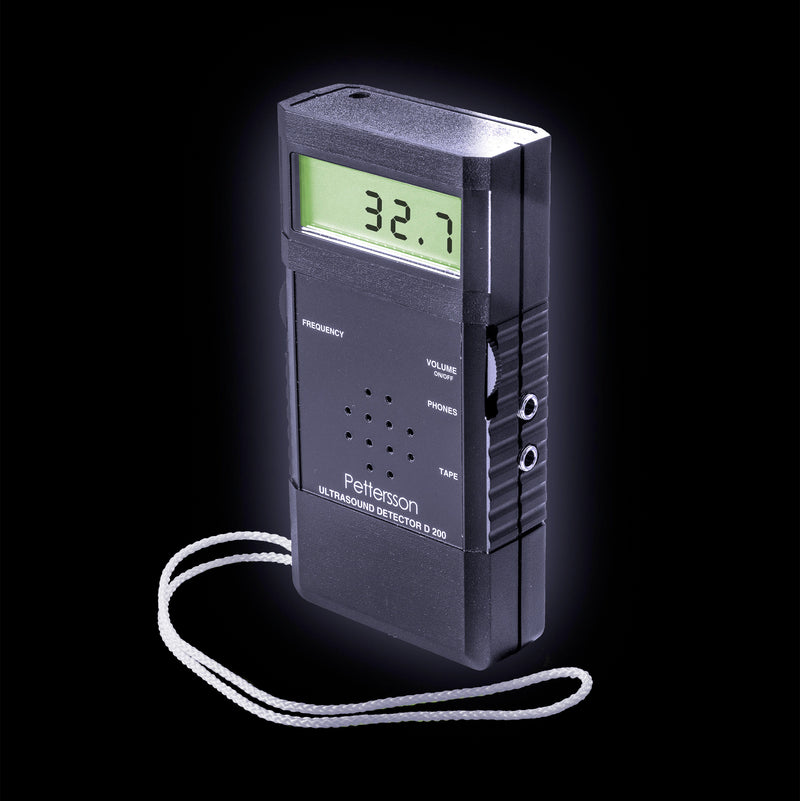
Pettersson D200
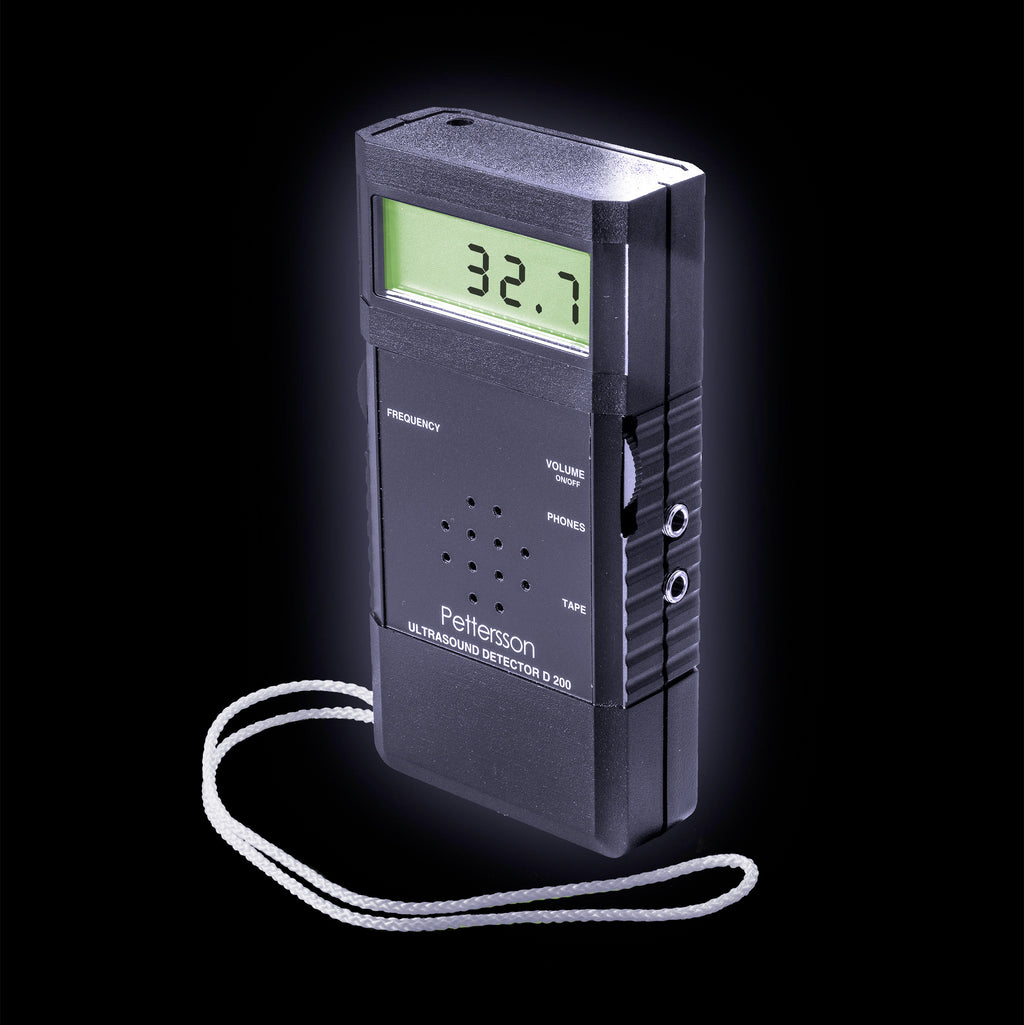
Pettersson D200
$295.00
Available, usually ships 1-2 business days This quality heterodyne bat detector features a large, very accurate backlit LCD displaying the center of the tuned frequency in kHz. The detector in real time plays any ultrasound that is approximately 4 kHz above and below the tuned frequency.This method works by frequency subtraction and only a very ...
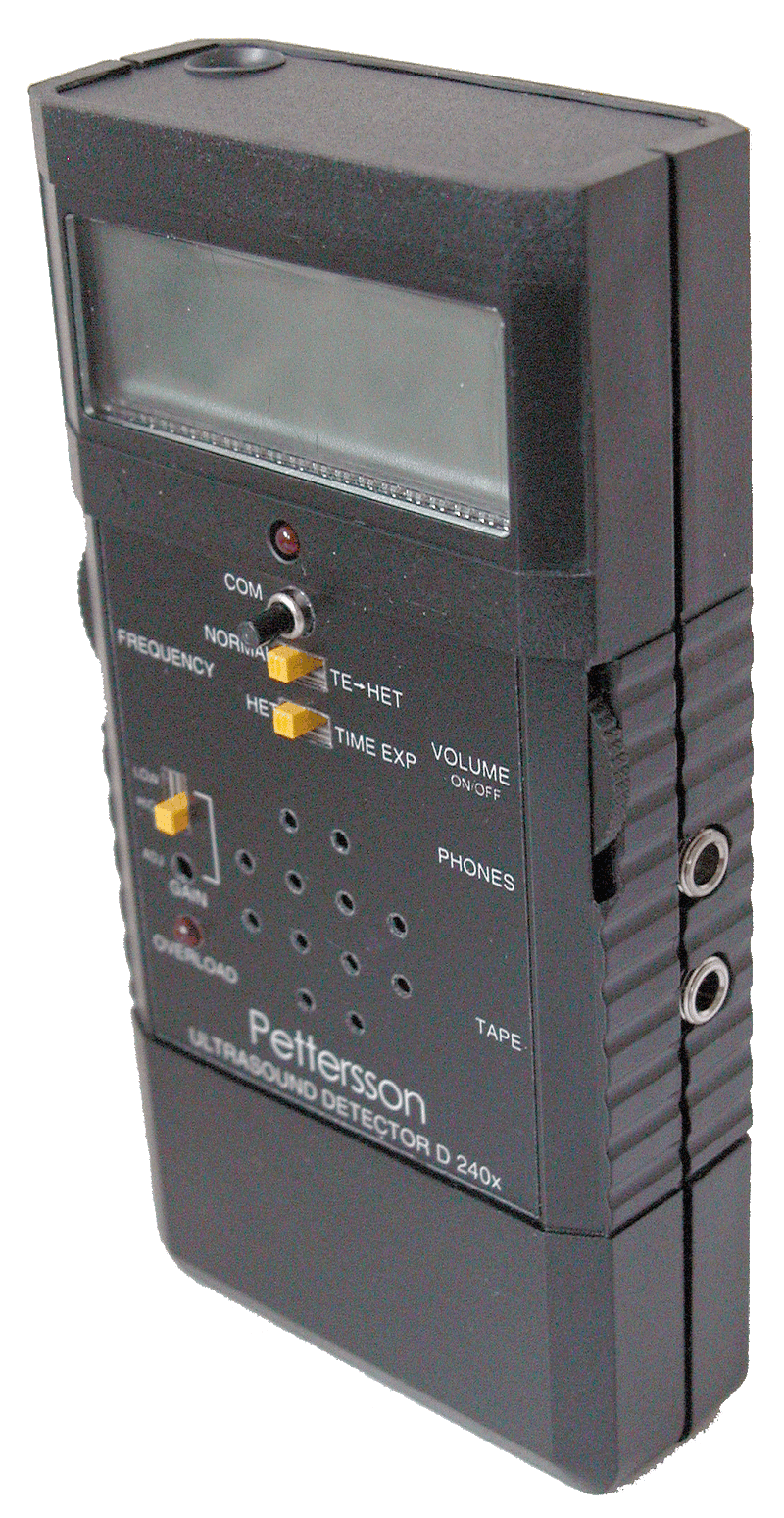
Pettersson D240x
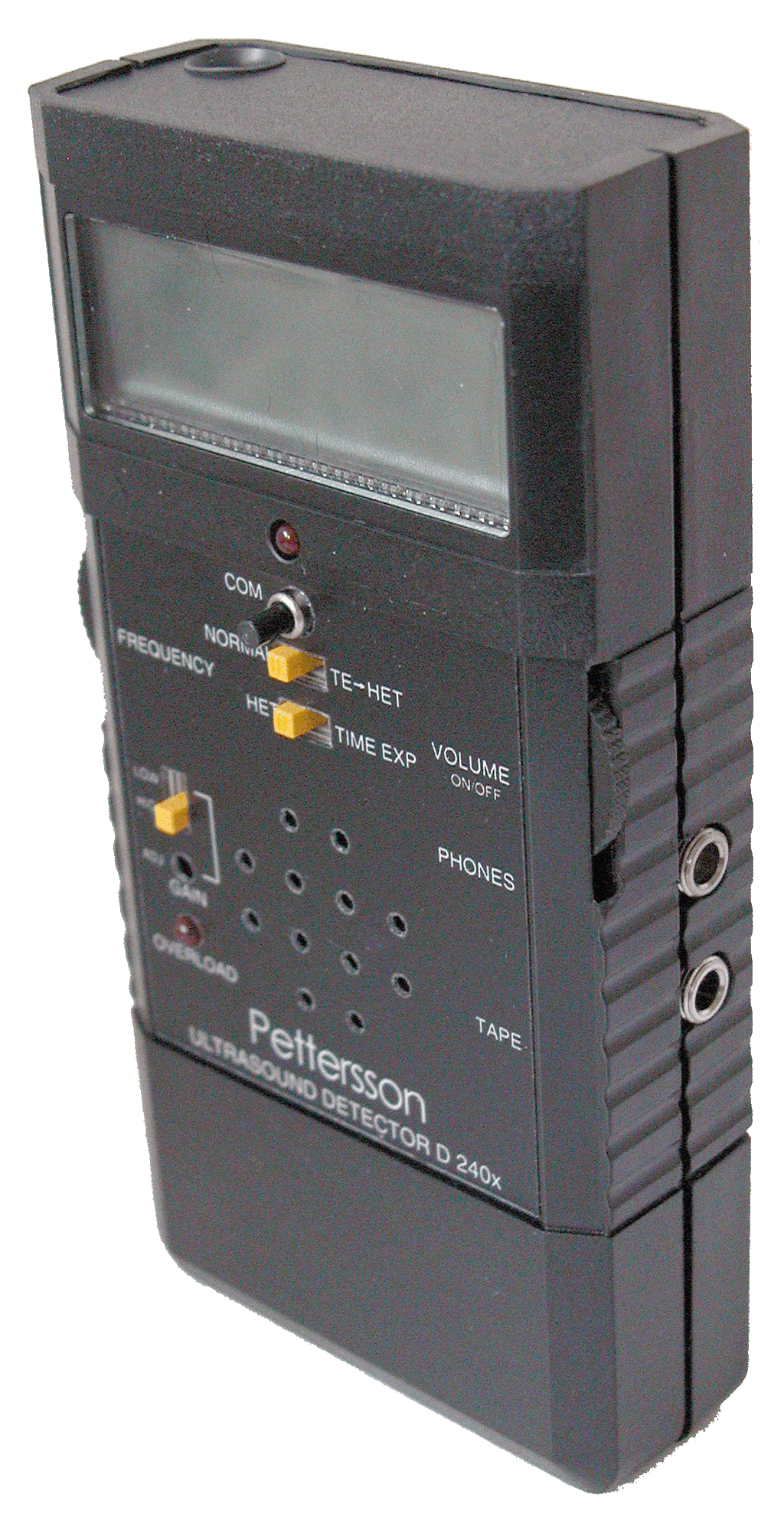
Pettersson D240x
$995.00
Heterodyne and Full Spectrum Time Expansion Bat Detector The bat detectors from Pettersson Elektronik are high quality instruments, designed in close cooperation with leading bat workers for optimum performance in full spectrum recordings. As a testament to Pettersson's "done right the first time" philosophy, this is one of most longest-lived p...
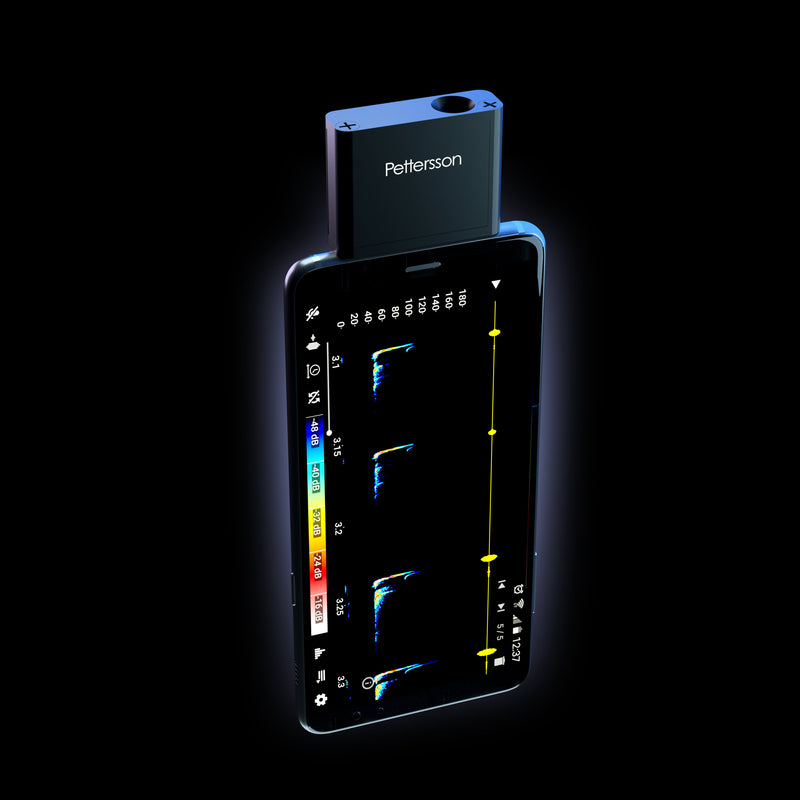
Pettersson u256 Microphone
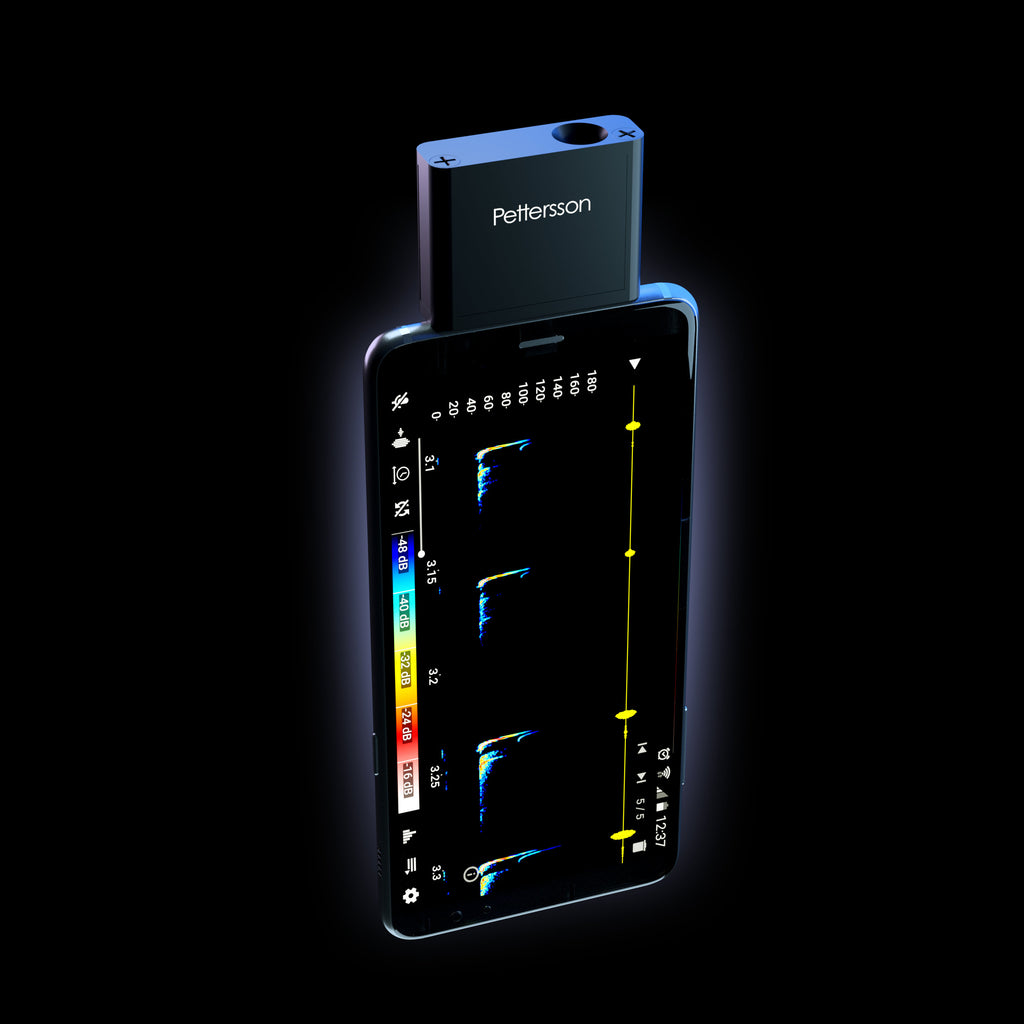
Pettersson u256 Microphone
$273.75
Available Lightweight Full-spectrum Power Download BatSound Touch Lite software for this microphone The u256 sets a new standard for USB microphones offering excellent sensitivity, low noise, small size and ultra-low power consumption – all for a modest price. Learn more about the different types of bat detectors. The components are housed in a ...
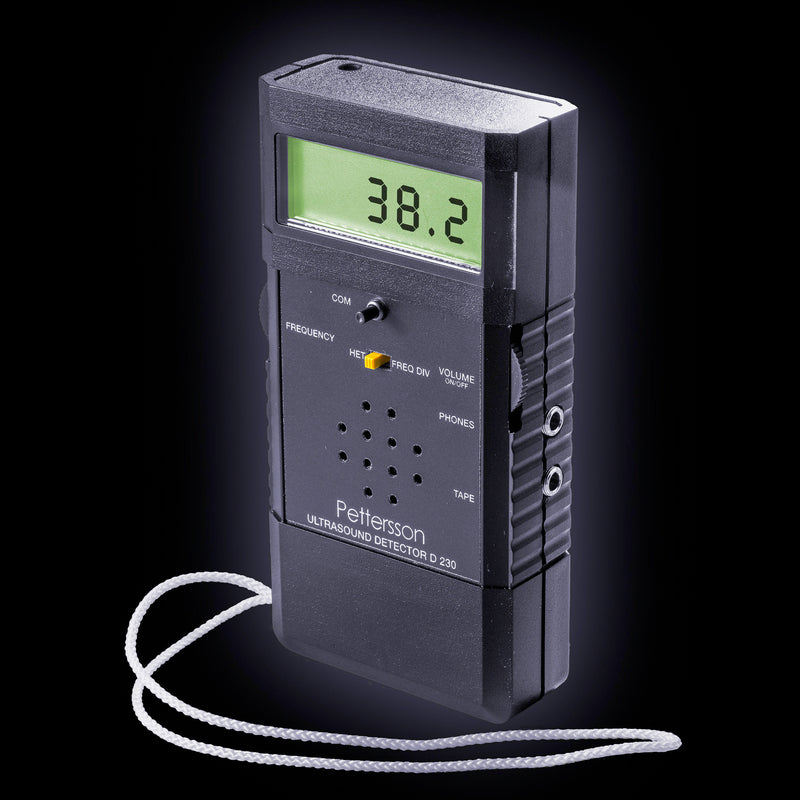
Pettersson D230
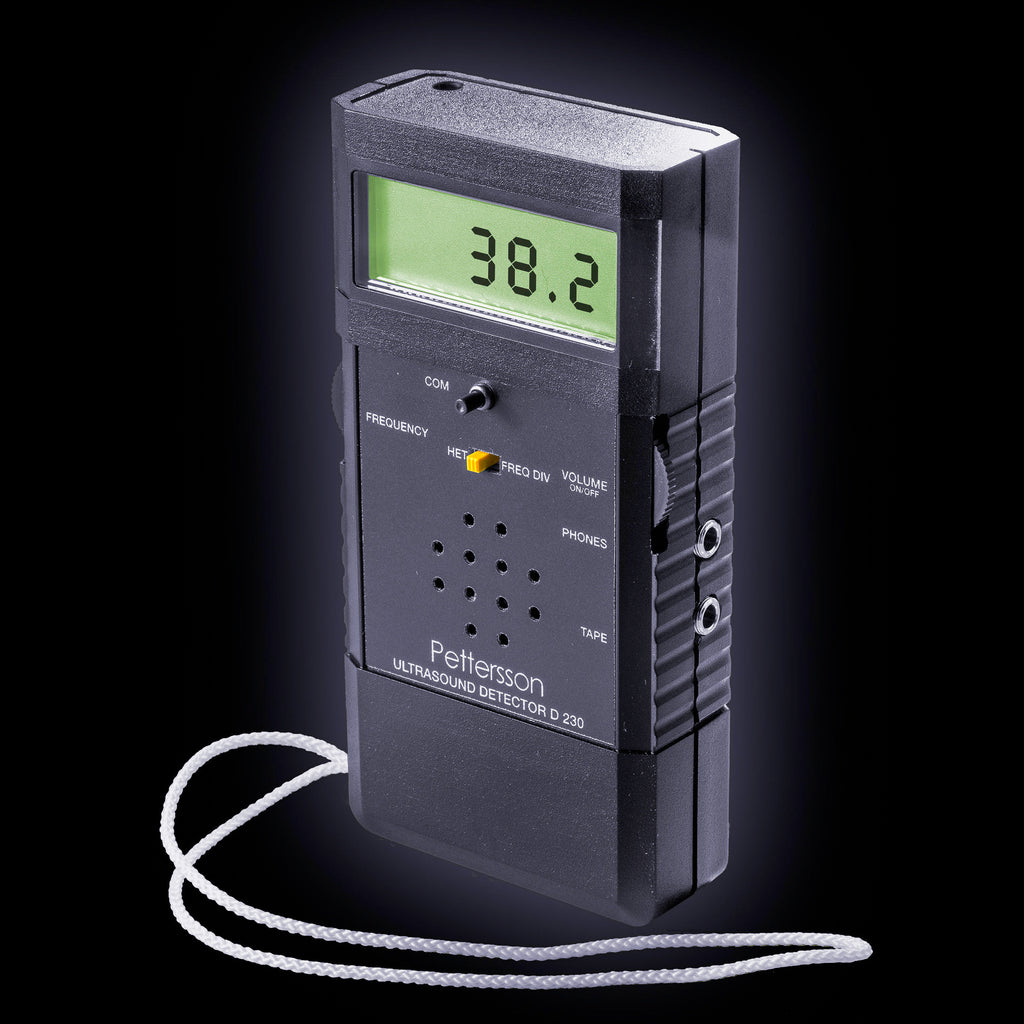
Pettersson D230
$425.00
Available, usually ships in 1-2 business days The Pettersson D230 is a combination heterodyne (HET) and frequency division (FD) detector for real-time active monitoring. Using stereo headphones, you can constantly monitor the bat's full frequency range in FD in your right ear. The HET output is also constantly being played in your left ear. Whe...
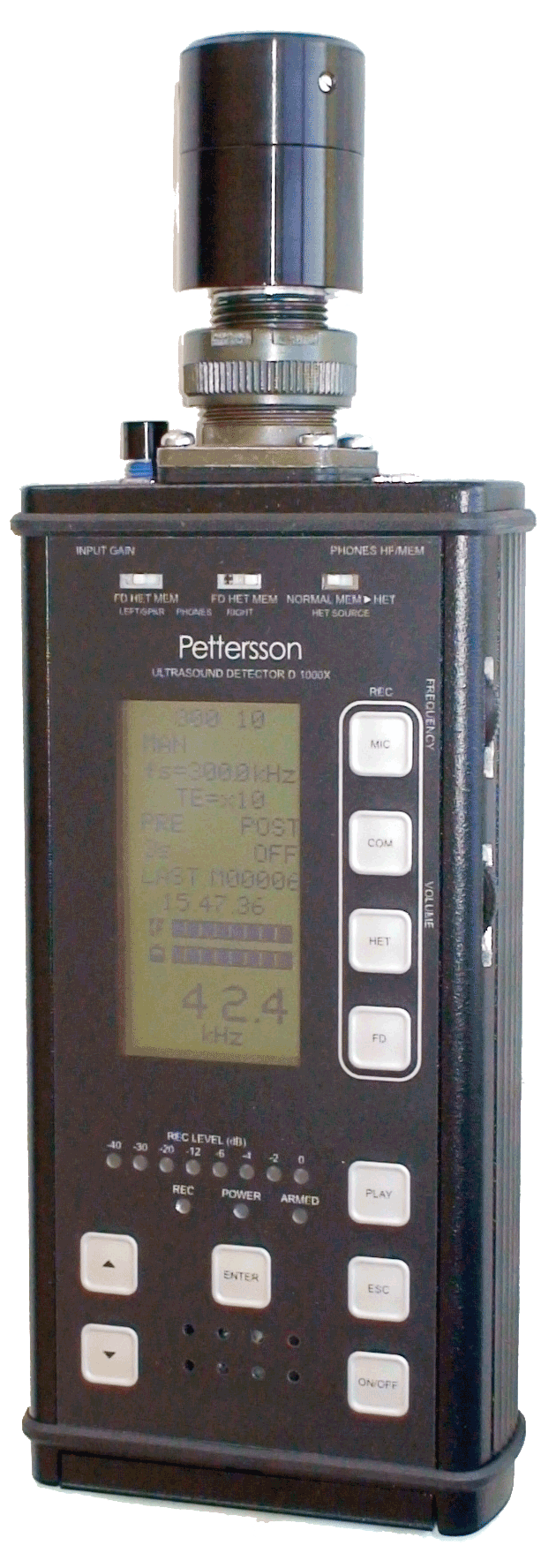
Pettersson D1000x
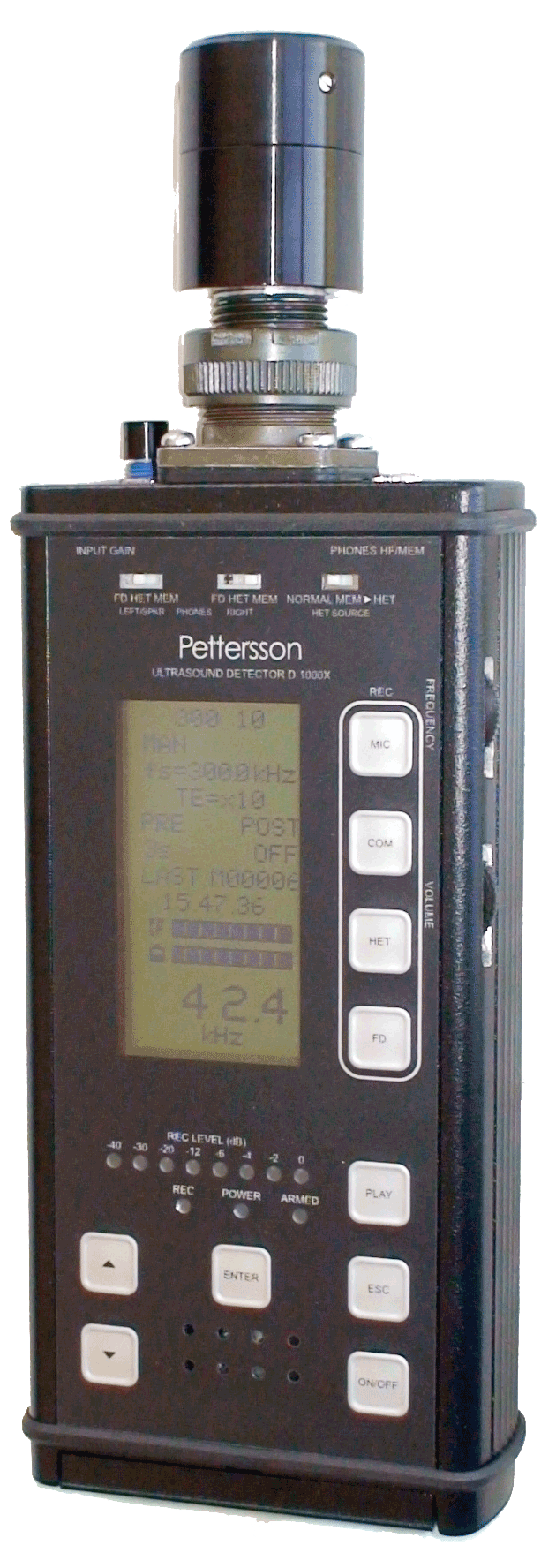
Pettersson D1000x
$4,499.00
The Pettersson D-1000X is the professional ultrasound detector based on the latest technology. This detector features Heterodyne (HET), Frequency Division (FD), Time-expansion (TE), and also a built-in 16-bit recording system using a Compact Flash (CF) card as the storage medium. It is equipped with the Pettersson, high-quality capacitance micro...
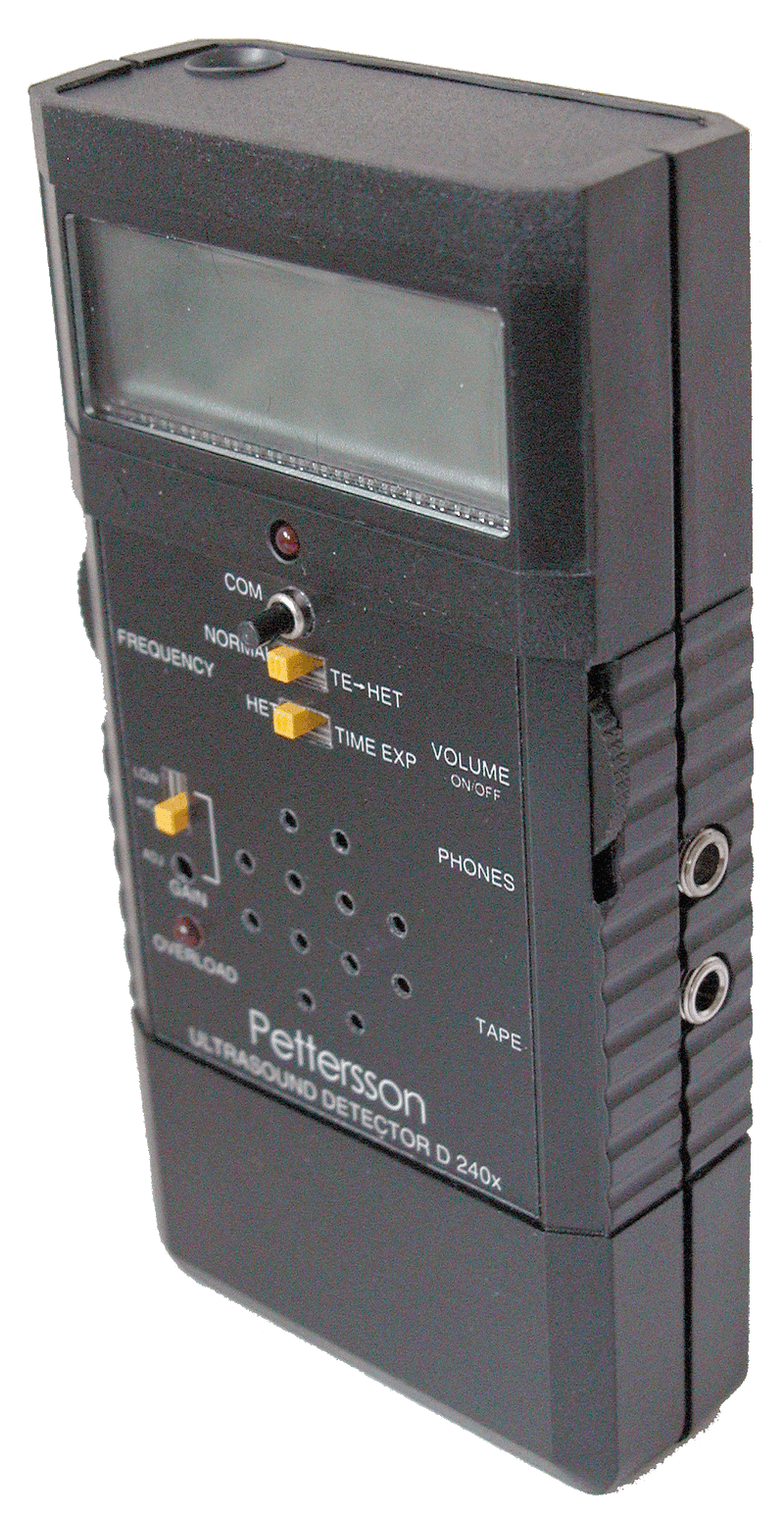
Pettersson D240x - Used
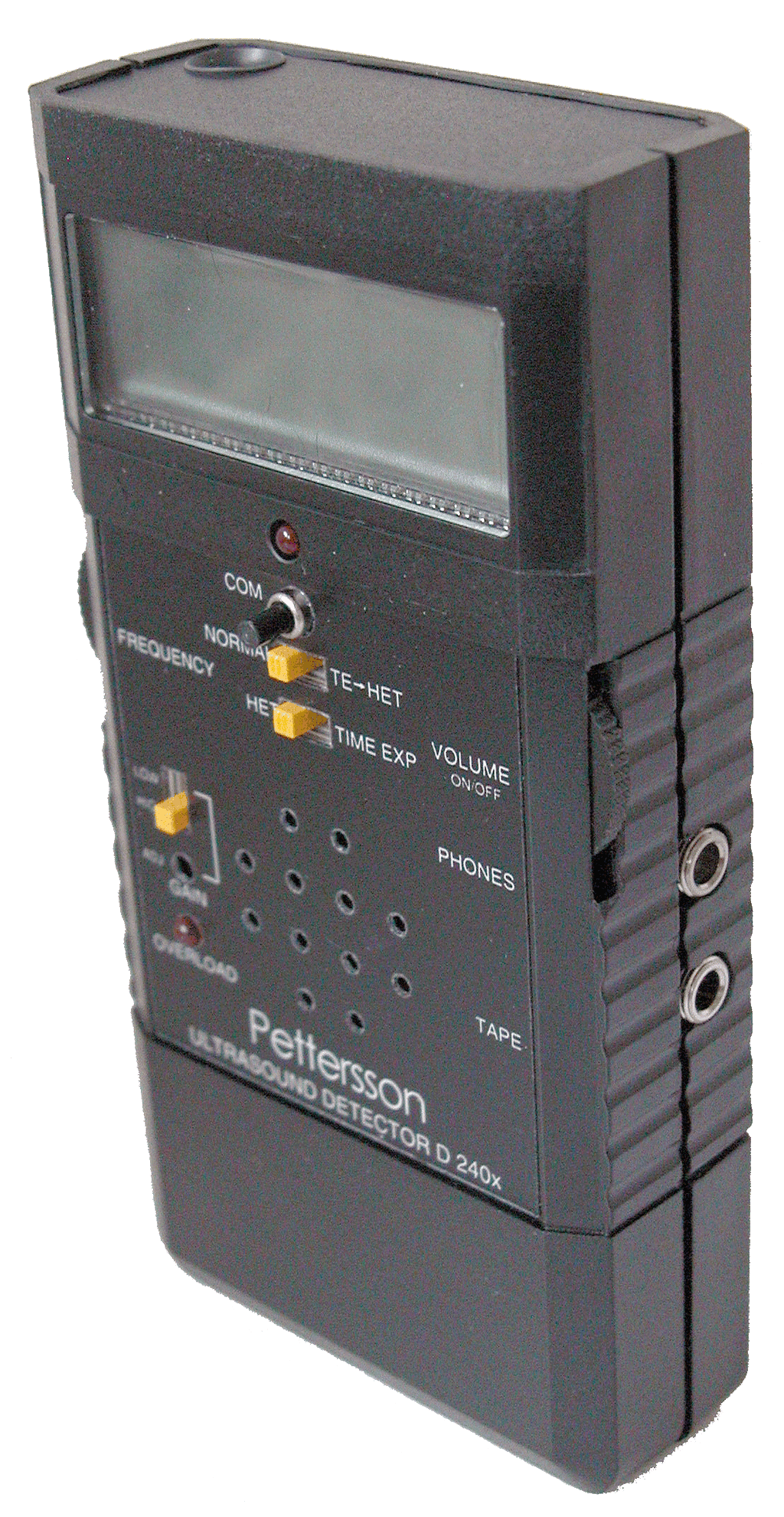
Pettersson D240x - Used
$750.00
Note: this is a LIGHTLY USED detector, includes soft case, no box. Used occasionally at bat workshops by professional adults for purposes of collecting voucher calls, otherwise has been stored. Tested before shipping, guaranteed not DOA. The D240x manual can be downloaded here: https://batsound.com/downloads/ D240x Description: Heterodyne and F...
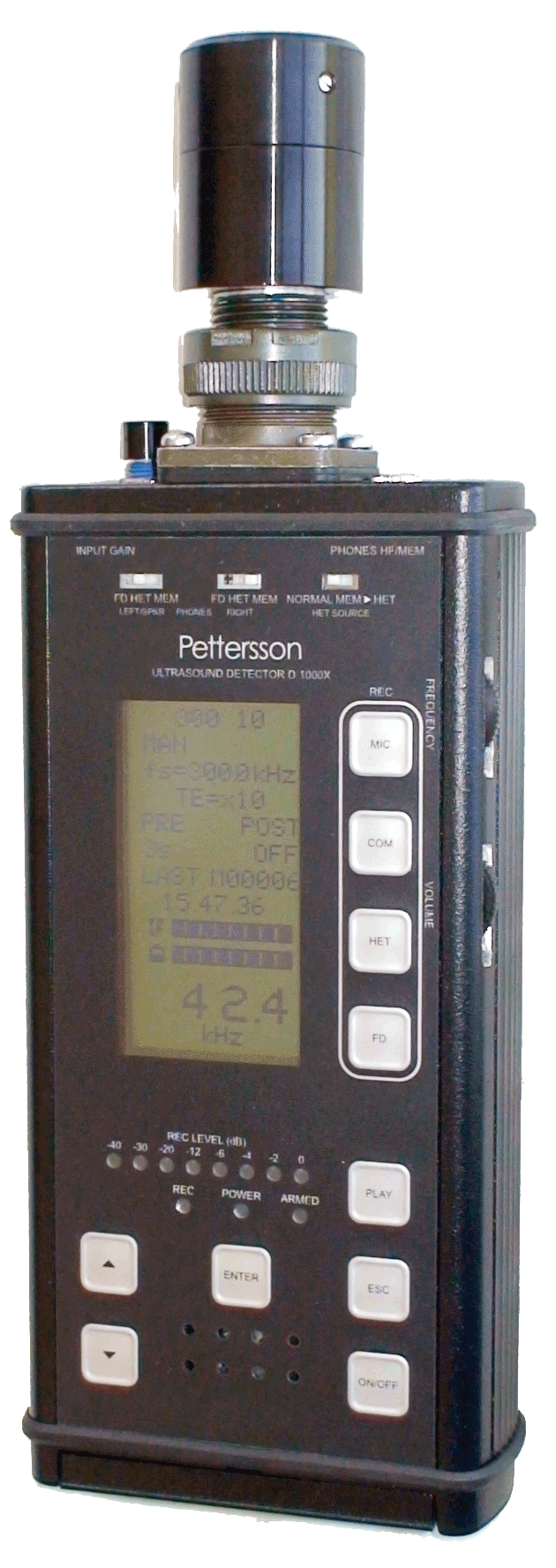
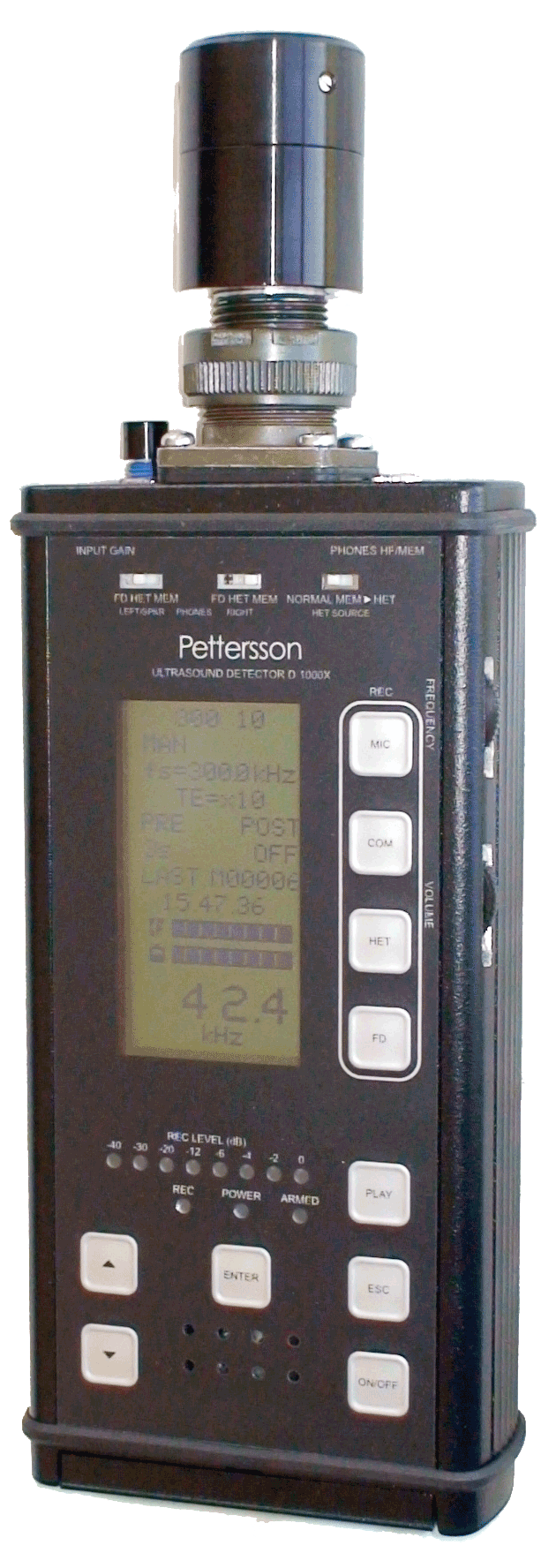
Demo Pettersson D1000x s/n 303 w/cable
Demo Pettersson D1000x s/n 303 w/cable
$3,550.00
This is a lightly used demo unit. It was used by instructors at BCM bat acoustic workshops to record voucher calls. Includes 15' mic extension cable, Pettersson soft pouch, and a hard storage/travel case. Additional specs and instruction manual download available from https://batsound.com/product/d1000x-ultrasound-detector/ The Pettersson D-10...
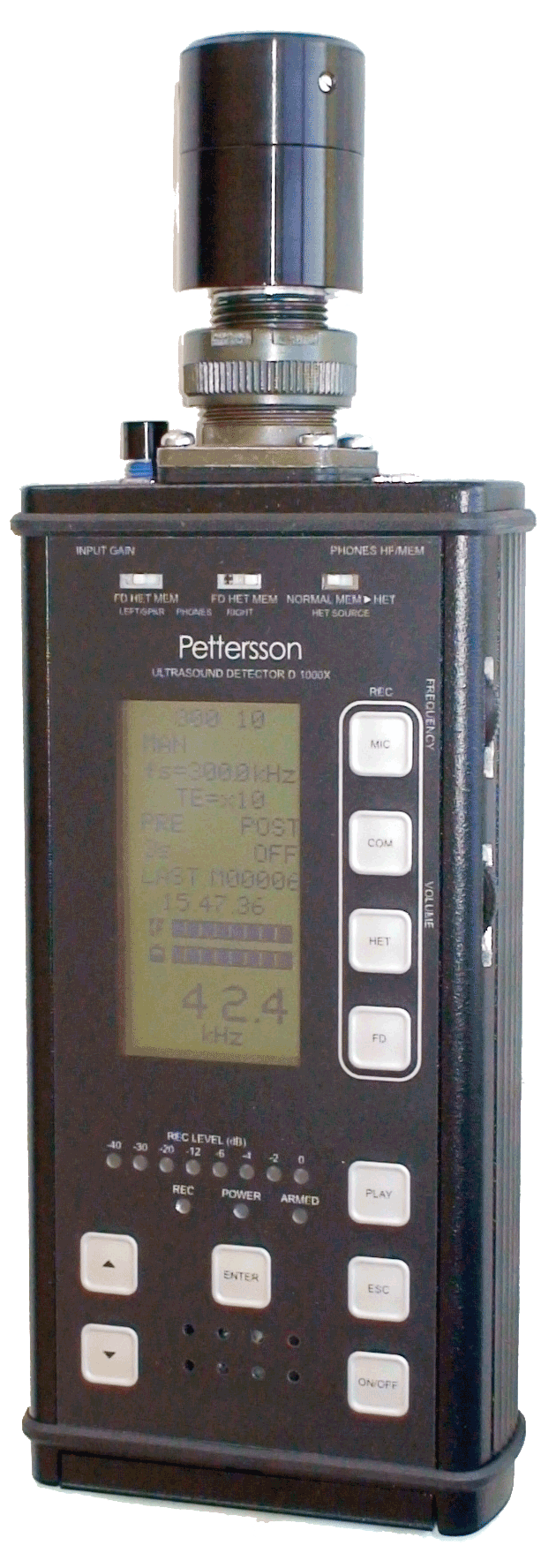
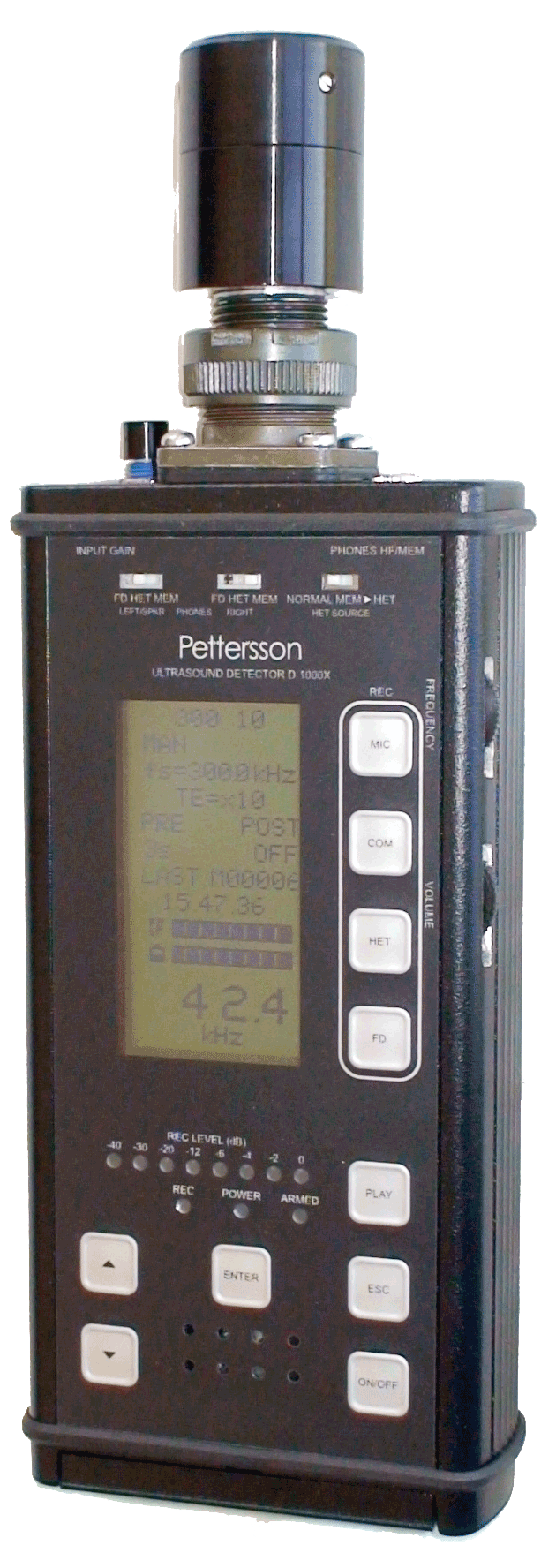
Demo Pettersson D1000x s/n 282
Demo Pettersson D1000x s/n 282
$3,495.00
This is a lightly used demo unit. It was used by instructors at BCM bat acoustic workshops to record voucher calls. Includes Pettersson soft pouch, and a hard storage/travel case. Additional specs and instruction manual download available from https://batsound.com/product/d1000x-ultrasound-detector/ The Pettersson D-1000X is the professional u...
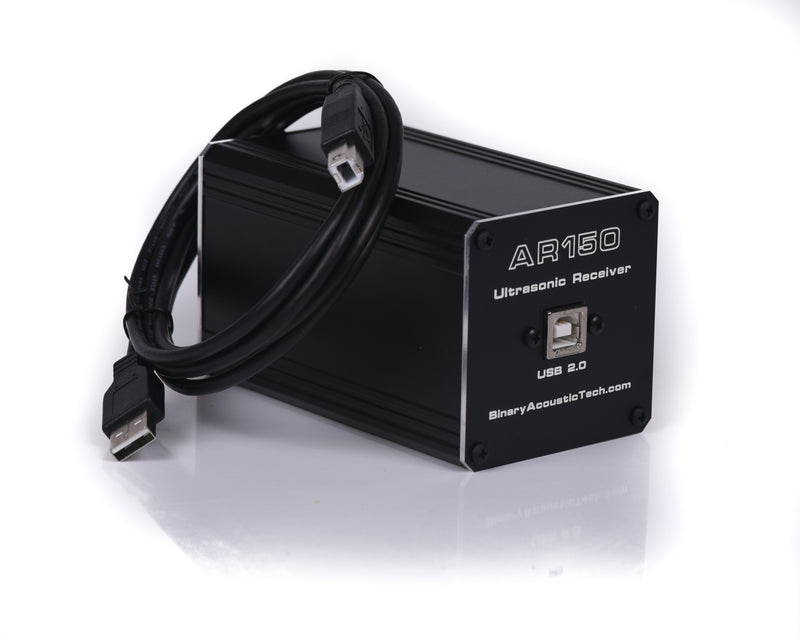
Binary Acoustic Technology AR150FG
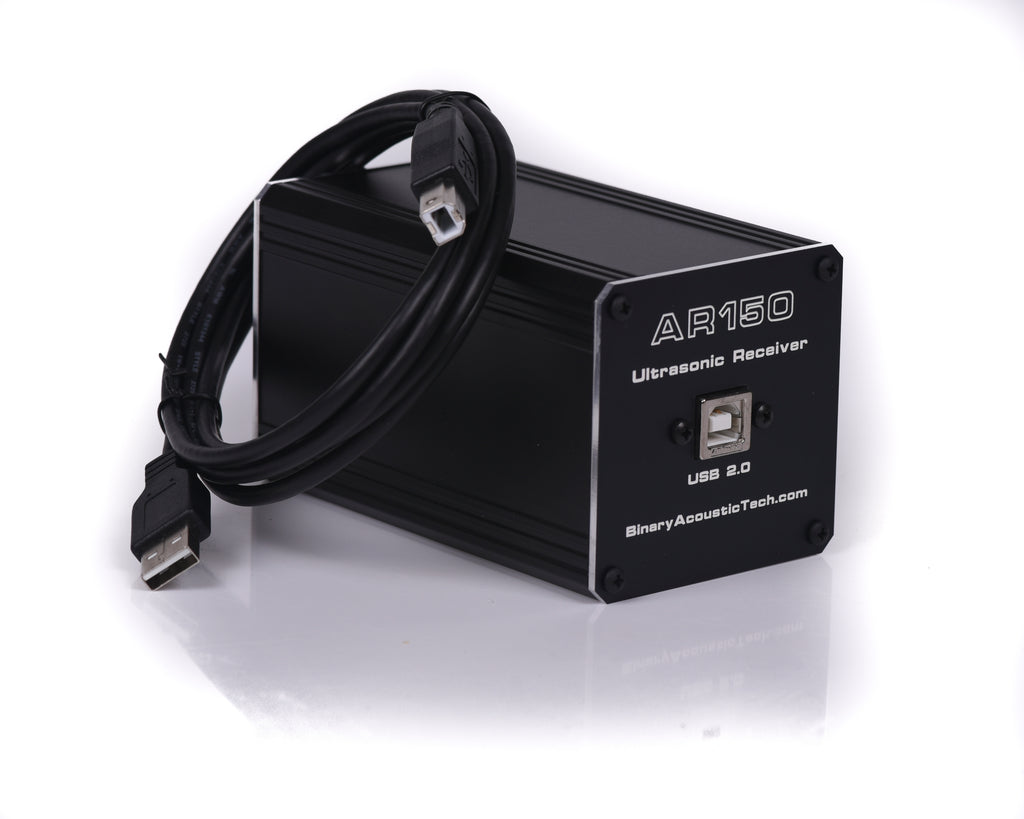
Binary Acoustic Technology AR150FG
$1,095.00
The AR150-FG is a professional quality ultrasonic receiver that is designed for ultrasonic recording and acoustic analysis. It employs a hemispherical ultrasonic element along with ultrasonic to digital conversion technology which produces a high quality, digitally sampled, acoustic stream that is injected directly into a laptop or lab computer...


